
Don't Just Learn How Websites Work.Learn How They're Actually Built.
Learn the journey from requirement and planning through development, deployment, hosting, client communication and ongoing website support.

Taught by MP Web Development — a team that builds, hosts, maintains and supports websites for 100+ clients.
Learn From
Real Workflows.
The program is structured around the practical workflow involved in building and managing websites — not simply watching tutorials or memorizing concepts.
It follows the same path our team uses on client projects.
How a project moves
- Requirement
- Planning
- Design
- Build
- Test
- Deploy
- Present
- Support
Learn by Building — From Website Idea to Live Website.
Six practical areas, each connected to how websites are really built, launched and delivered to clients.
- 01
Web Fundamentals
Understand how websites work.
- Domains
- DNS
- Hosting
- SSL
- How websites go live
- Front-end / back-end fundamentals
- 02
Website Development
Build professional websites.
- WordPress
- Responsive design
- Modern website-building workflows
- Website structure
- Landing pages
- Deployment
- 03
AI for Web Development
AI as a productivity tool — used alongside real skills, not instead of them.
- Website planning
- Content assistance
- Design ideation
- Development workflows
- Problem solving
- Productivity
- 04
Build Your Portfolio
Present your work professionally.
- Presenting your work
- Showcasing projects
- Creating a professional portfolio
- Building credibility
- 05
Freelancing
Learn how freelancing works.
- Finding opportunities
- Approaching potential clients
- Understanding requirements
- Professional communication
- Project discussions
- Managing expectations
- Project delivery
- Client relationships
- 06
Practical Workflow
The real website lifecycle — including support after launch.
- Plan
- Build
- Test
- Deploy
- Present
- Support
You'll Understand More Than How to Design a Page.
MP Web Development builds, launches, manages and supports client websites. The training teaches the practical workflow behind that work — these four areas.
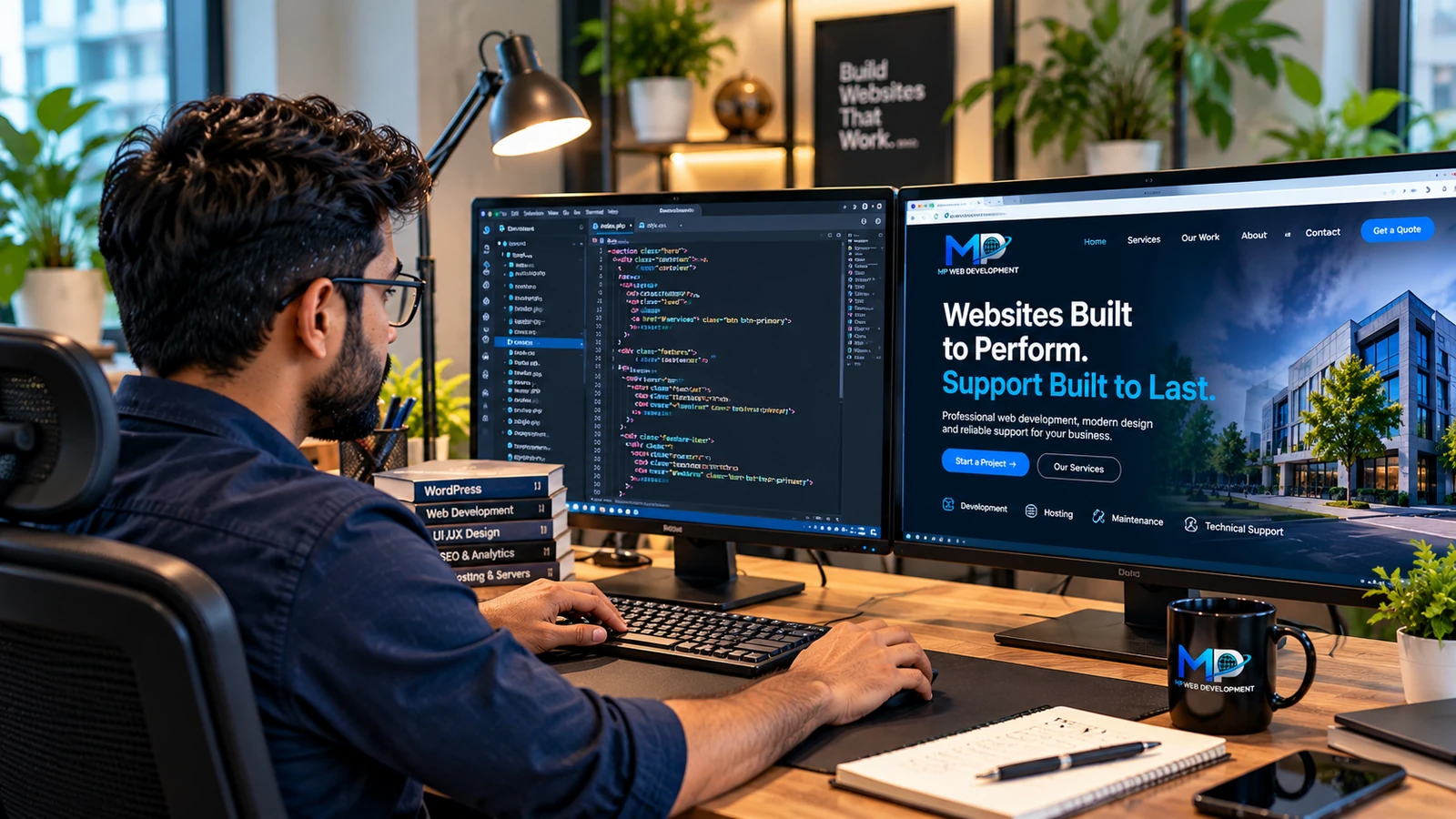
Build
How a professional website is structured and developed.

Deploy
How domains, hosting, DNS and SSL connect to put a website online.
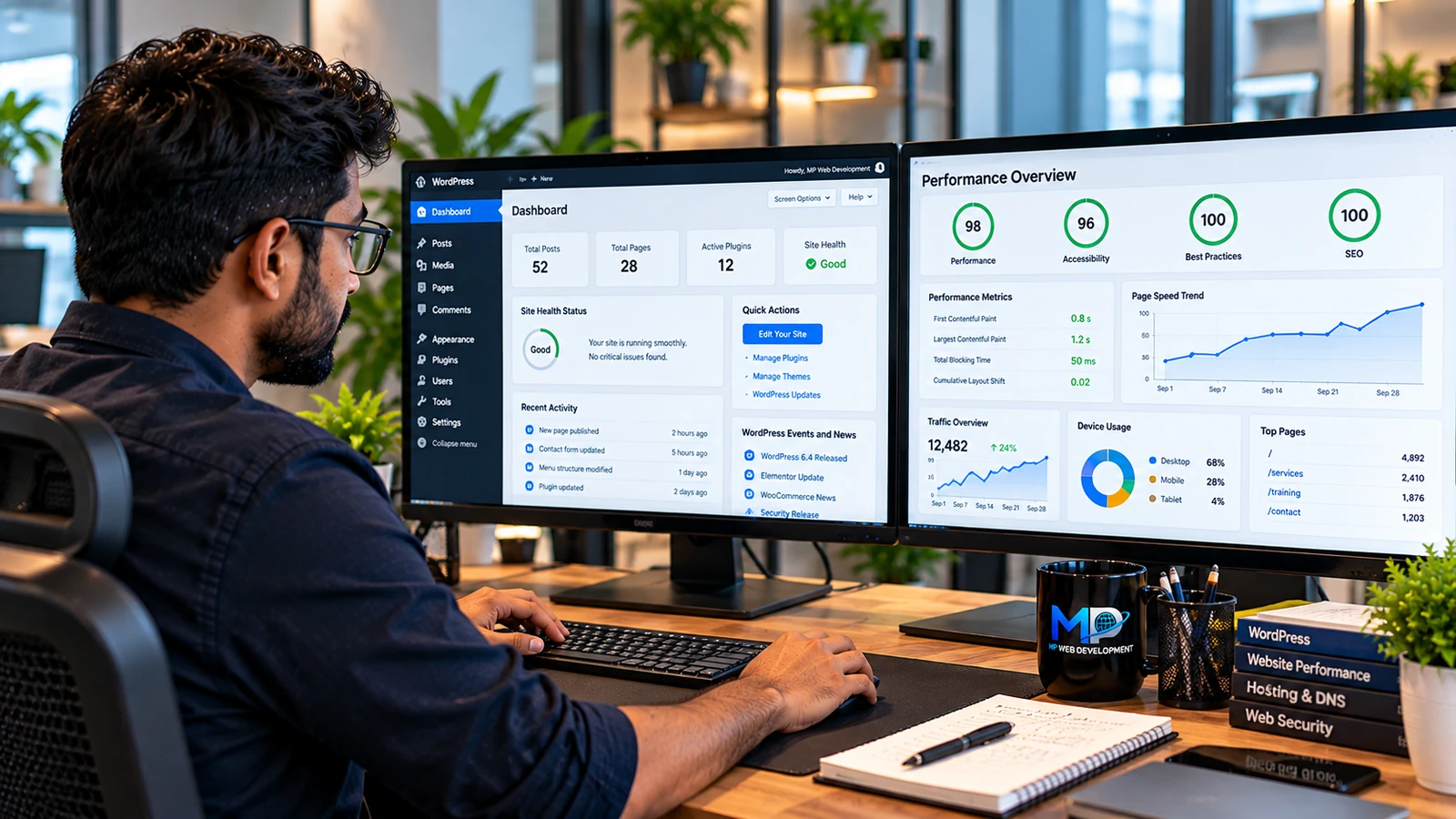
Manage
How websites are updated, monitored and supported after launch.

Communicate
How requirements, project discussions, delivery and client relationships work.


For Anyone Serious About Practical Web Development.
- College students
- Freshers
- Graduates
- Aspiring freelancers
- Anyone serious about learning practical web development
No previous professional web-development experience required.
Focused. Batch-based. Practical.
Training is conducted in batches to maintain a focused learning environment and allow practical guidance throughout the program.
Interested in Learning With Us?
Send us your interest along with a short resume/CV.
Course structure, upcoming batch information, schedule and next steps will be provided to interested applicants through email.
- 01Prepare a short resume / CV
- 02Email your interest to us
- 03Receive course details by email
Suggested subject
WEB DEVELOPMENT COURSE APPLICATION
Please attach a short resume/CV. Website: mpwebdevelopmentservices.com
Looking for a website to be built or supported for your business? That's our core work — start a project or see our services.